Offline Speech-to-Text app for Mac
A fast, simple transcription app that runs fully offline on your Mac. No cloud, no uploads, no servers. Your audio stays on your device.
Perfect for creators, students, developers, researchers, and anyone who needs accurate speech-to-text without giving their recordings to third-party services.
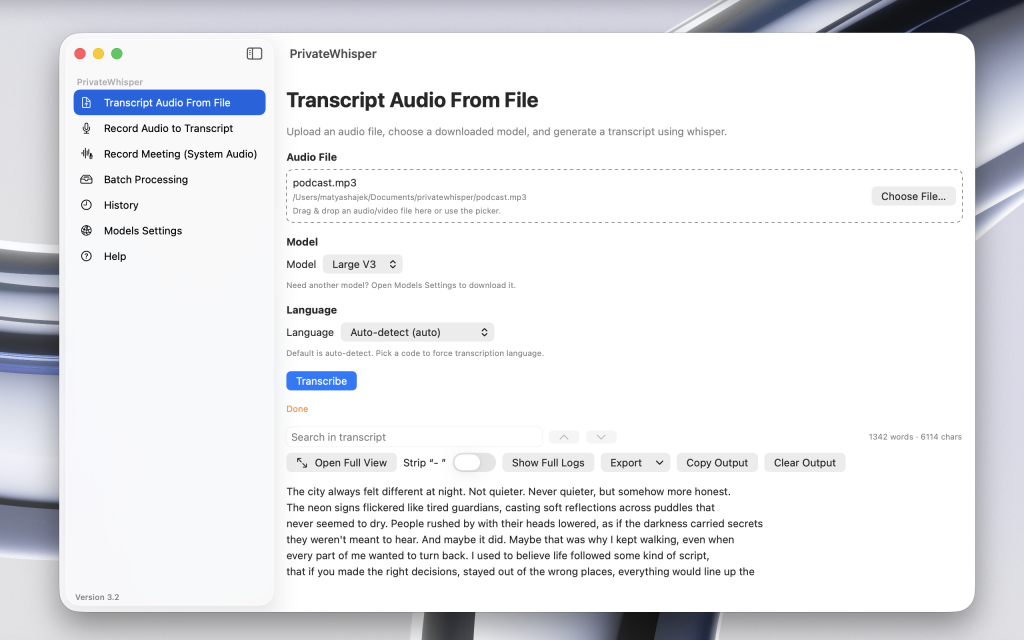
What it does
- Transcribes audio locally using Whisper model
- Supports microphone recording or importing audio/video files and batch transcriptions and meeting recording
- Exports as .txt, .srt, .vtt, .csv, .docx, .pdf, .md, .html, .json
- 98+ languages supported
- Clean, minimal UI designed to get out of your way
Why it’s different
Most transcription tools upload your recordings to the cloud. This one doesn’t. Everything happens on your device, using your Mac’s CPU/GPU. No accounts, no API keys, no recurring fees.
Good for
- Meetings
- Interviews & podcasts
- YouTubers / TikTok creators
- Students recording lectures
Requirements
- macOS on Apple Silicon (M)
Notes
- This app uses the open-source Whisper model, but packs it into a simple one-click Mac application so you don’t need Python, terminal commands, or setup.
- No data leaves your device — ever.

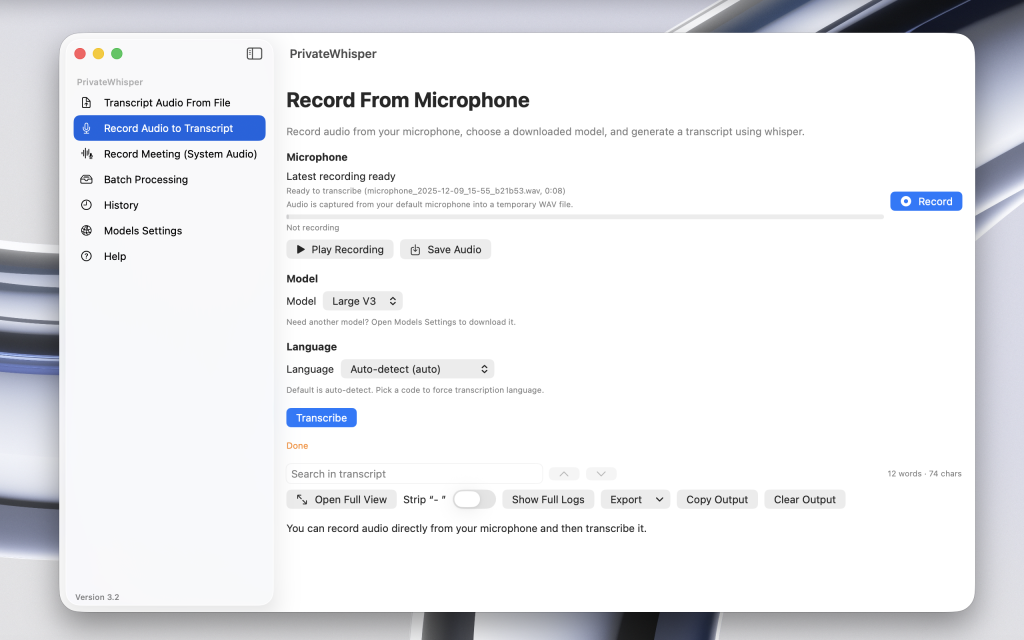
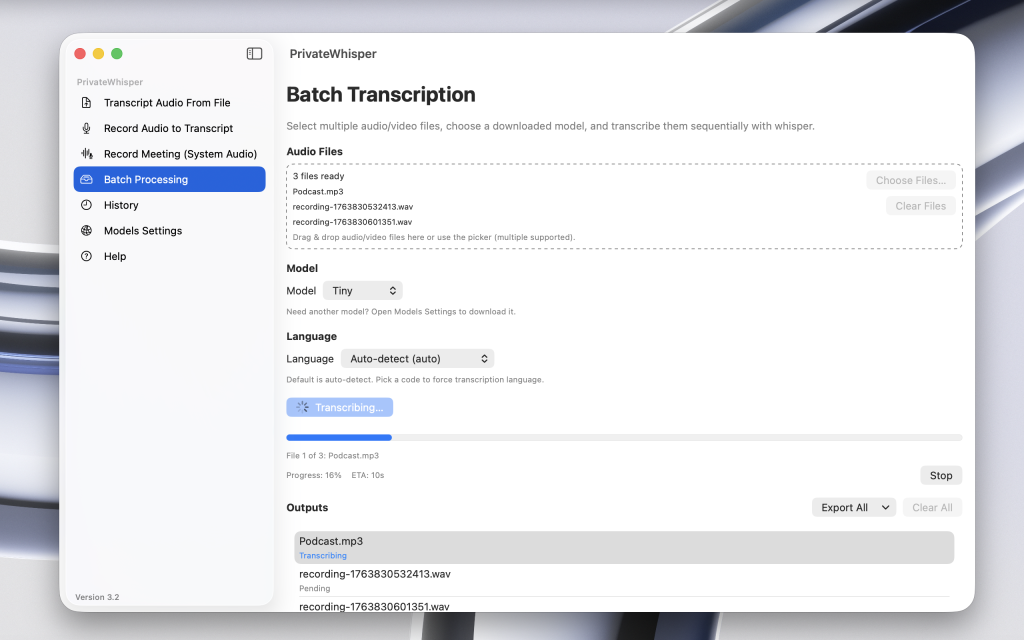
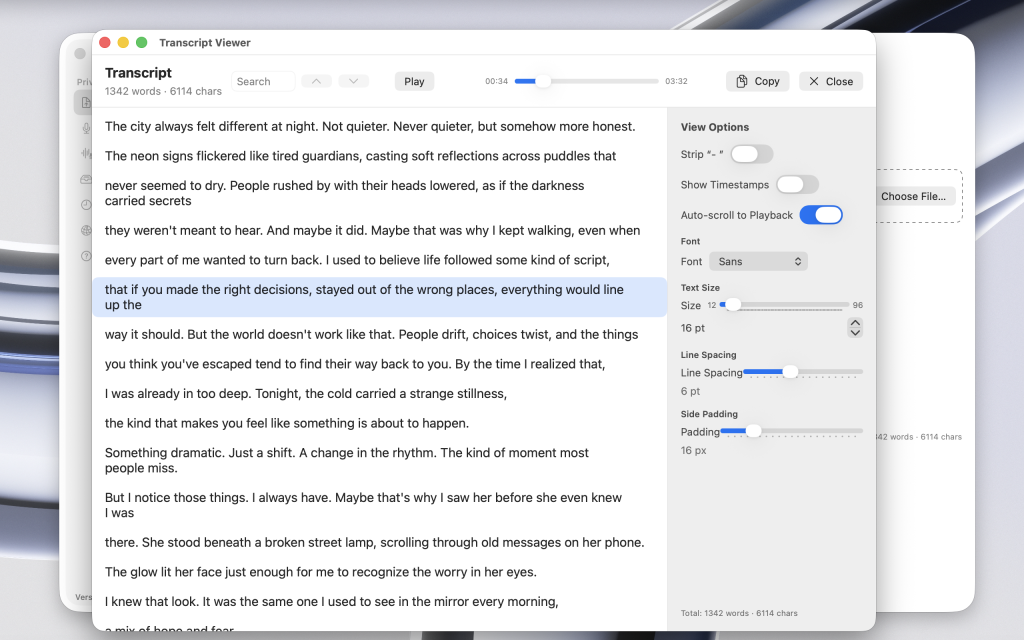
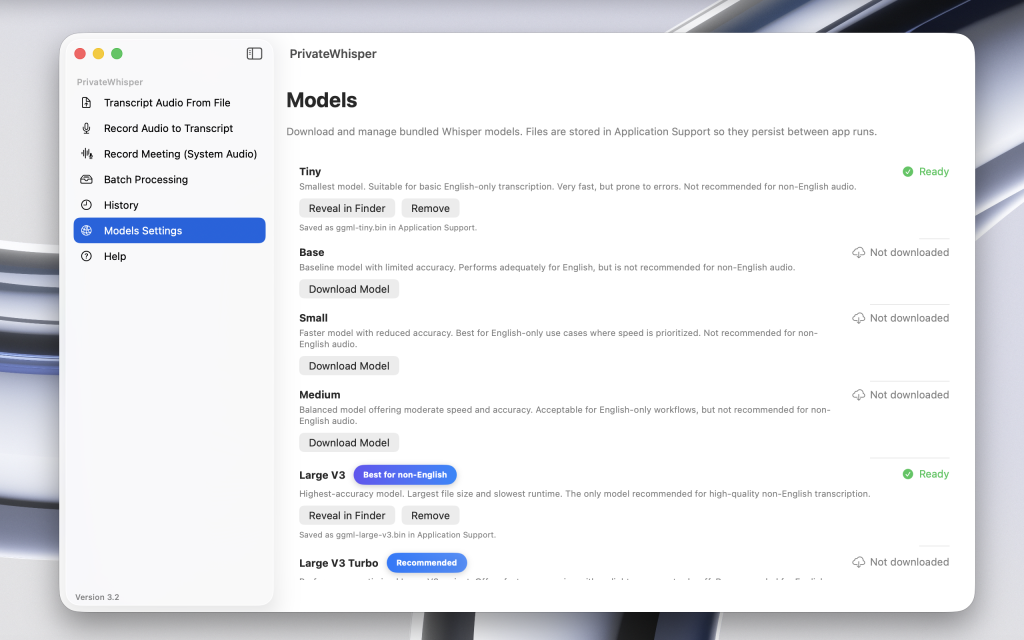

One tool for your speech-to-text needs
Questions & Answers
If you have any other questions, feel free to get in touch.
How is PrivateWhisper different from other speech-to-text apps?
PrivateWhisper runs entirely on your device. Your audio is never uploaded, and there are no usage limits, pay-per-minute fees, or subscriptions. It’s a one-time purchase with a lifetime license, designed for privacy-first, offline transcription.
Is the Windows version ready?
No, and there are no near-future plans to add Windows support. Currently, PrivateWhisper only supports macOS.
How fast is transcription?
Transcription speed depends on the selected model and your Mac. Small models are extremely fast (often under a minute per hour of audio), while larger models trade speed for accuracy and can take several minutes per hour of audio. All processing runs locally on your device.
What features will be added in the future?
PrivateWhisper is actively developed, with improvements focused on transcription accuracy, performance, and workflow enhancements. Future updates may include additional export options, improved batch processing, and refinements to the user interface.
All updates are included for free with the lifetime license. Feature priorities are guided by real user feedback and practical use cases.
What macOS version is required?
PrivateWhisper is designed for macOS Sonoma (14) and newer. While earlier macOS versions may still run the app, certain features may not be supported or may perform differently.
Are Intel Macs supported?
No. PrivateWhisper currently supports Apple Silicon Macs only. Support for Intel-based Macs is being evaluated and may be considered in the future, but there is no guaranteed timeline.
How can I contact you?
You can reach me at matyashajek@proton.me. I’m happy to help with any questions or feedback.